
Is MECCHA CHAMELEON on mobile?
As of August 11, 2026, the official Steam listing checked for MECCHA CHAMELEON identifies a Windows 10 64-bit release. That is a verified PC platform fact. It is not the same as confirming an Android app, an iPhone app, a cloud version, or a browser port.
The search phrase MECCHA CHAMELEON mobile is valuable because it mixes two different questions: whether the game can be reached from a phone, and whether the developer has published a native mobile build. A remote-play workaround may let a phone display a PC session, but it does not turn the game into an official Android or iOS release.
No Android or iPhone package could be matched to the Steam developer identity in the first-party checks used for this page. Treat same-name store listings, APK pages, file mirrors, and videos as unverified until the developer or an official platform page connects them to the real game.
A familiar title, logo, or screenshot is not enough. Compare the developer, publisher, package identity, official links, and platform listing before installing anything.
What the official platform evidence actually proves
Platform pages need an identity check before they need a download button. MECCHA CHAMELEON is associated with the Steam listing for app 4704690 and the developer credit shown there. Start with that identity, then ask whether an Android or iOS store page points back to the same first-party source.
A search result that says mobile, online, or free can describe a copycat app, a remote-play method, an unrelated project, or a third-party download page. Search snippets are leads, not release verification. The current evidence supports a careful platform-status answer, not a made-up mobile version number or APK size.
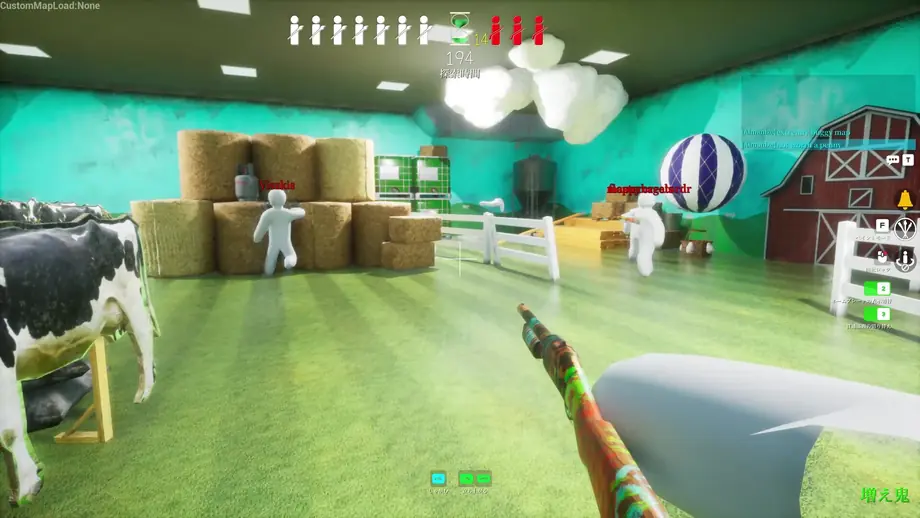
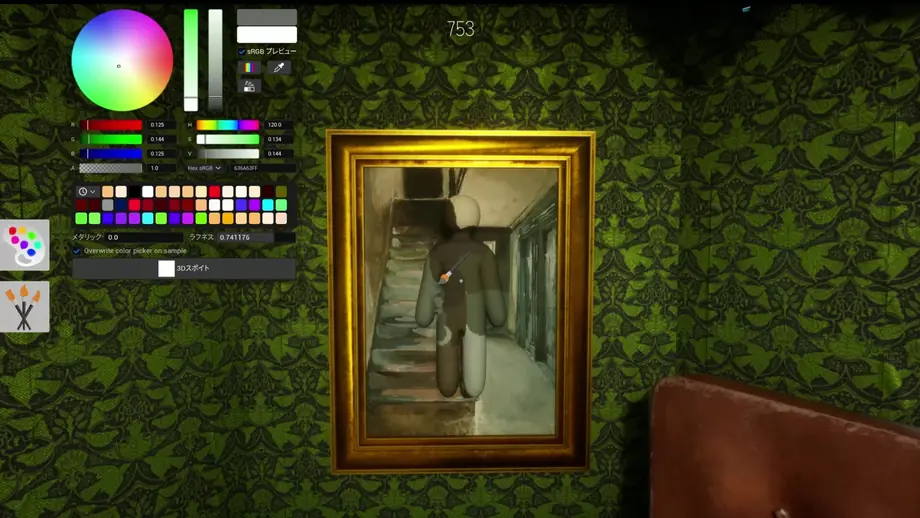
The screenshots below are official game media used to identify the real PC game environment. They should not be read as mobile compatibility evidence; the mobile question still depends on a matching first-party platform listing.
| Check | Verified evidence | How to interpret it |
|---|---|---|
| Official game identity | Steam app 4704690; developer credit shown on the official listing. | Use this identity when comparing other platform pages. |
| Confirmed platform | Windows 10 64-bit is listed by Steam. | Confirms PC support, not native Android or iPhone support. |
| Android listing | No matching first-party Android release was verified in the check. | Do not treat a same-name APK or unrelated package as official. |
| iPhone listing | No matching first-party iPhone release was verified in the check. | Wait for a developer-linked App Store listing before installing. |
How to check a MECCHA CHAMELEON mobile claim
Use the same short sequence every time. It keeps platform research separate from impulse downloads and makes a future official port easy to confirm.
Start from a first-party source
Open the official Steam listing or a developer-linked announcement. Record the exact game name, app ID, developer, and official outbound links.
Match the developer identity
On Google Play or the App Store, compare the publisher or developer with the verified game identity. A similar title alone is not a match.
Read the platform description
Look for Android, iOS, or a named mobile build in the store page itself. Do not infer mobile support from the words online, portable, or remote play.
Check the package and permissions
For an app that claims to be official, inspect the package identity, publisher site, privacy details, update history, and requested permissions before installing.
Use the official link path
If the developer does not link to the mobile listing, keep the game on the verified PC platform and avoid APK mirrors, shortened URLs, and modified installers.
Mobile, remote play, and PC are different answers
These labels often appear together in search results, but they describe different user experiences and different evidence requirements.
Windows PC
The checked official Steam listing identifies a Windows 10 64-bit PC release. Use Steam for the current purchase and update path.
Android or iPhone app
No first-party mobile listing was matched to the verified developer identity during this check. Do not invent a version number or download link.
Remote play
Remote play can stream a PC session to another device when supported by the user's setup. It is a workaround, not proof of a native mobile edition.
What to do if you only have a phone
If your goal is to play the actual game, the safest route is to use the verified PC listing and check whether your computer can run it. A phone may be useful as a remote screen in a compatible setup, but the quality depends on the host PC, network, controls, and latency.
If your goal is to find a mobile download, stop when the source cannot prove the developer connection. The absence of a verified mobile release is more useful than a dangerous APK that promises a free shortcut.
Check the PC route
Use the system-requirements and purchase guides to decide whether the official Windows route fits your hardware and budget.
Treat remote play as a workaround
Label it honestly as streaming from a PC. Do not describe it as an Android or iPhone version in a post or video.
Recheck first-party announcements
A future port should appear through the developer, official Steam news, or a store page that clearly connects to the same game identity.
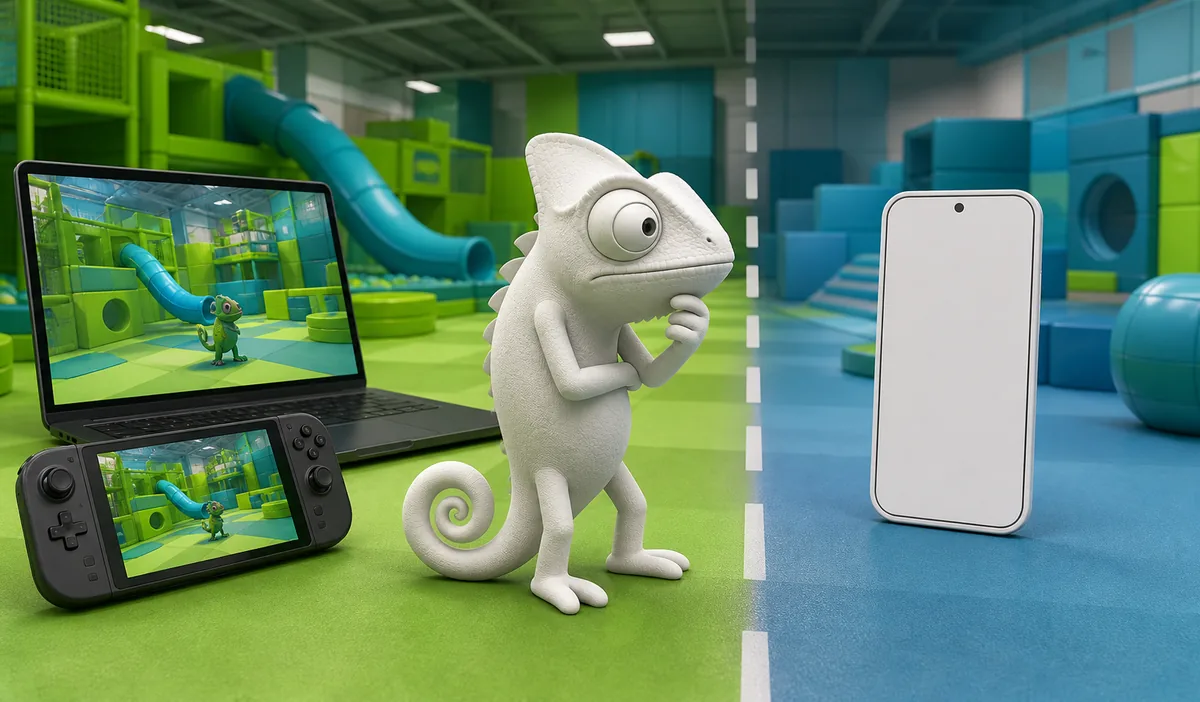
Concept illustration: why the platform boundary matters
This editorial illustration is generated as a concept visual, not a real game screenshot or official mobile interface. It contrasts a verified desktop or handheld-PC path with an unverified blank phone target so the key distinction remains visible in the HTML explanation.
First-party checks and safety reference
Use these links to verify the current game identity and platform status. The Google Play example is included only to explain why a same-name listing needs identity matching; it is not a recommended download.
FAQ