How do you remove a clone?
Open Settings / Controls and find the action assigned to removing or cancelling your placed clone. Return to a private room, create one clone, then press that mapped action once while no menu or chat field has focus.
If the figure disappears for you but remains for another player, treat it as a synchronization or display problem rather than a control problem. Rejoin the room before changing random keys.
When a MECCHA CHAMELEON clone will not disappear, first classify the scope: only you, one room, or every session. Then follow the least destructive order—check the live control binding, reproduce one clone in a private room, rejoin, restart, and verify files last—so a control problem is not confused with display or synchronization residue.
Identify the object before troubleshooting
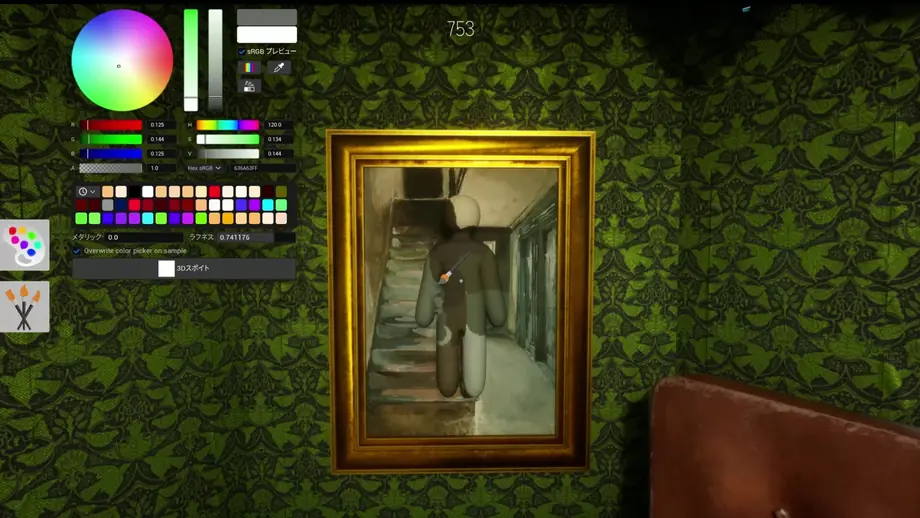
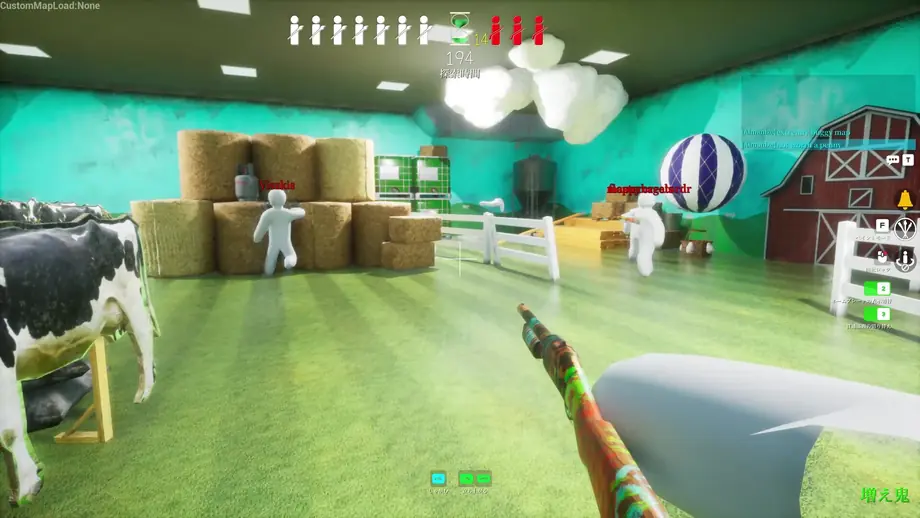
Three different things can look like the same “clone” in a busy stage.
A deliberate decoy that still behaves as a game object. The removal action should affect it.
A normal shadow attached to your character or scenery. Clone controls will not remove it.
A visual remnant that remains after the game state changed. Rejoining or restarting the round is more useful than repeated inputs.
Safe step-by-step removal
Use this order so you do not overwrite a working binding or confuse a room issue with a local issue.
Check the current binding
Open the in-game control screen and note the exact action. Updates, layouts, and personal rebinding can change the displayed key or button.
Test in a private room
Create one clone, stop moving, close chat and menus, and press the mapped action once. Watch whether the object vanishes and whether the action prompt reacts.
Reset the room state
If the clone remains, leave and rejoin the room. If only one player still sees it, restart that client before changing controls.
Verify files only if repeated
Use Steam file verification when the issue survives a fresh room and a full restart. Avoid deleting saves or configuration files as a first step.
When the clone still will not disappear
A repeated failure is usually easier to diagnose by checking scope: one player, one room, or every session. Record a short clip showing the control screen and the stuck object before reporting it.
If you report the issue, save a short clip showing the placement action, removal input, stuck figure, whether other players see it, and the recorded game version. That evidence is more useful than changing several keys at once.
- Confirm Steam has applied any available game update. Do not treat version 3.0.0 as the current release.
- Disable overlays or input remappers temporarily if the action never registers.
- Try the same action with the default control preset, but save your custom layout first.
- Report the room type, map, role, version, and whether other players see the same object.
Recorded version: 3.3.2 (July 30, 2026) — verify the current build on Steam
This guide records version 3.3.2 from July 30, 2026. Game builds and announcements can change, so this is not a live guarantee of the current release; check the official Steam page and update history before relying on version-specific details.
This site does not distribute the game or installers. Treat fixed-key instructions as provisional unless they match your in-game Controls screen.
Frequently asked questions
Why does the clone come back?
A new placement, a round transition, or a synchronization problem can make it appear again. Test in a private room and compare what each player sees.
Is the dark shape always a clone?
No. It may be ordinary character or scenery lighting. Move the camera and compare whether the shape follows lighting rather than clone controls.
Should I reinstall the game?
Not first. Recheck the binding, rejoin the room, restart the client, and verify Steam files before considering a reinstall.
How do I remove a MECCHA CHAMELEON clone that will not disappear?
Check the current removal binding, test one clone in a private room, and use the action once with menus closed. If only one player sees the residue, rejoin or restart that client; verify Steam files only after the problem survives a clean room and restart.
Official sources
- Steam store — Official platform and current build source.
- Steam News fix3.3.2 — Latest checked: 3.3.2 (July 30, 2026)
- Update 2.6.0 — Official clone-related fix reference.